All Cairn PC and console controls
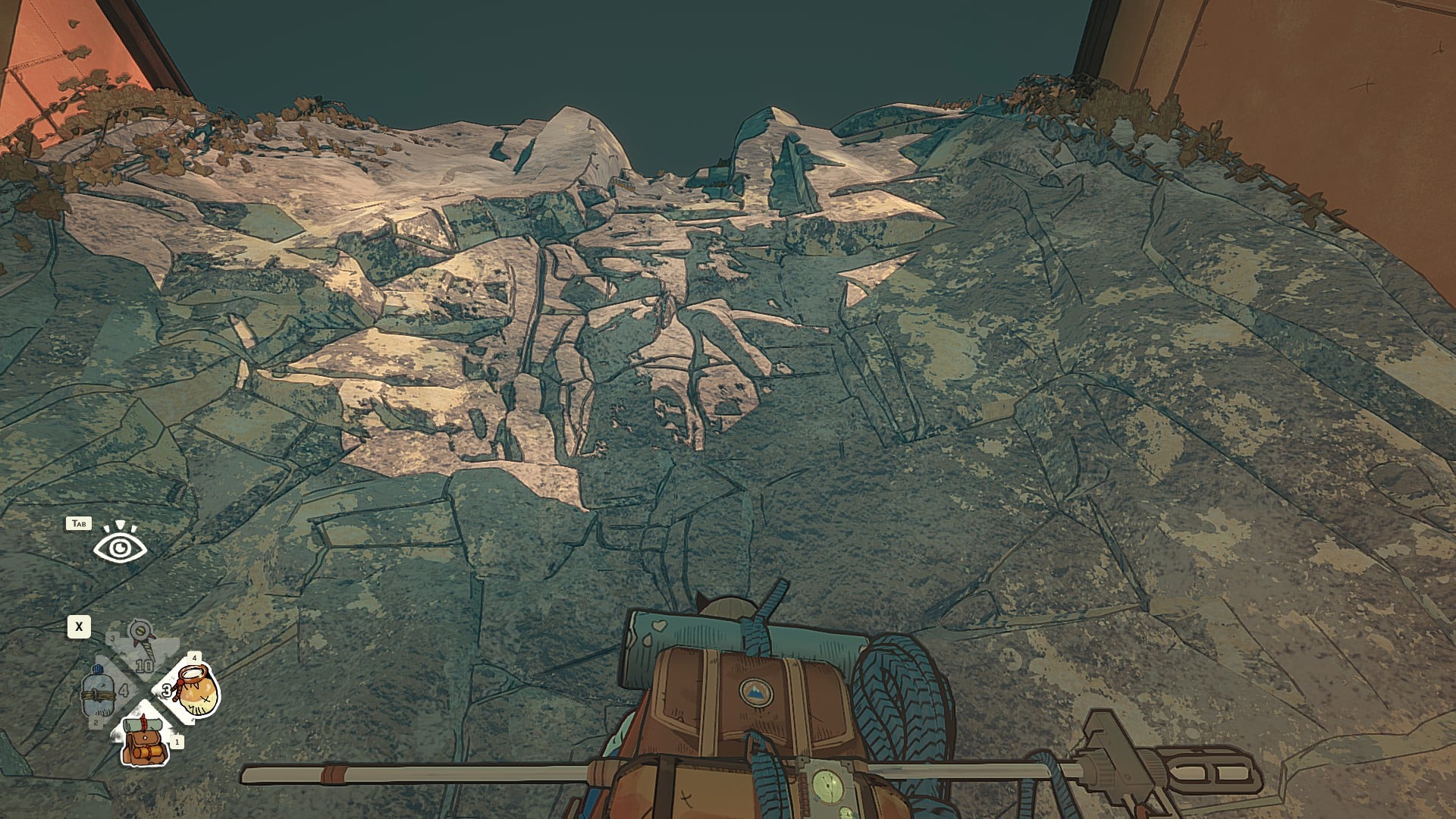
Cairn is out on PC and consoles, and the first task for you is to master the controls.
The ascent to the top of the mountain isn't going to be easy. You can choose to do so with your PC keyboard and mouse, or you can use a controller. If you're on the PS5, there's no option to use a keyboard and mouse.
Let's look at all the default controls that you'll want to add to your muscle memory.
Table of contents
All Cairn PC controls
The table below has every keyboard and mouse control you're going to need to help your characters reach the top of the mountain.
| Action | Input |
|---|---|
| Recover Stamina (Climbing) | Q |
| Recall Climbot (Walking) | Q |
| Move | W A S D |
| Move a limb (While Climbing) | W A S D |
| Bag, Quick Rest | 1 |
| Bottle, Barometer | 2 |
| Piton, Light | 3 |
| Chalk, Finger State | 4 |
| Alternate quick actions | X |
| Take a running start (Walking) | Ctrl |
| Speed walk (Walking) | Shift |
| Scope the wall | Tab |
| Jump (Walking) | Space |
| Manual Limb Selection (Climbing) | Space |
| Move Camera | Mouse |
| Start Climbing (Walking) | LMB |
| Climb (Climbing) | LMB |
| Cancel last action(Climbing) | RMB |
| Jump back down | Hold RMB |
All Cairn console controls
The following default inputs are for either playing on a console or using a controller on your PC.
| Action | Input |
|---|---|
| Move Camera (Walking) | RS |
| Move (Walking) | LS |
| Start Climbing (Walking) | X |
| Speed Walk (Walking) | RB |
| Take a running start (Walking) | RT |
| Jump (Walking) | A |
| Recall climbot (Walking) | Y |
| Interact | A |
| Scope the wall | LB |
| Grab the rope | RT |
| Move Camera (Climbing) | RS |
| Move a limb (Climbing) | LS |
| Climb (Climbing) | X |
| Cancel last action (Climbing) | B |
| Recover stamina (Climbing) | Y |
| Fall rewind (Climbing) | L3 |
| Manual limb selection (Climbing) | RB |
| Jump (Rappelling) | A |
| Slide (Rappelling) | Hold A |
| Quick Actions | D-pad |
| Display route (Remote view) | Y |
| Check map (Remote view) | X |
| Raise the camera (Remote view) | RT |
| Lower the camera (Remote view) | LT |
| Compost (Backpack) | Y |
| Shake up bag (Backpack) | RB |
| Grab (Backpack) | RT |
| Move (Backpack) | LS |
| Rotate (Backpack) | RS |
How to change controls in Cairn
Cairn allows you to customize all the controls as per your wishes.
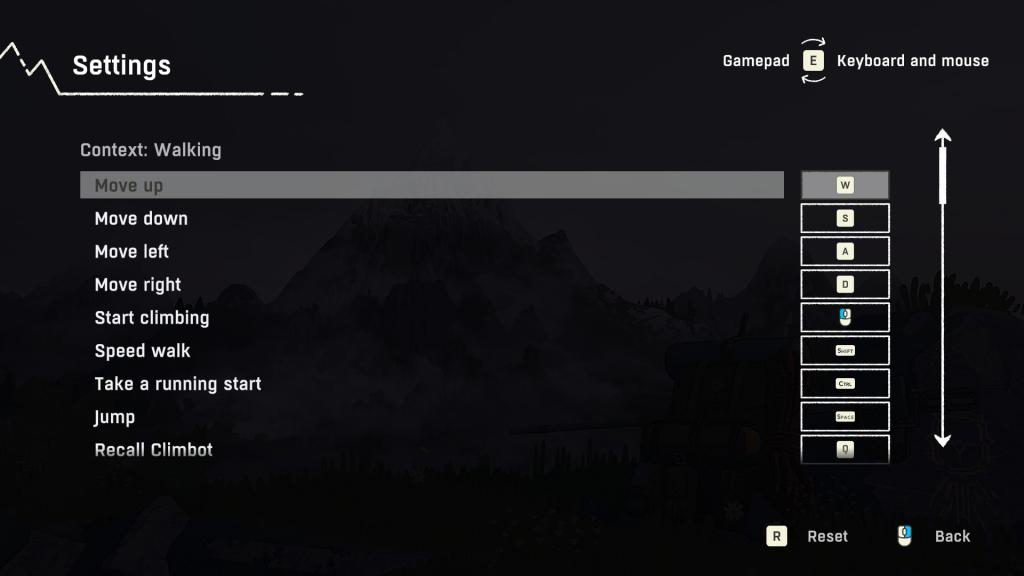
- Load the game and go to settings.
- Choose Controls, and then Remap controls
- Press E to switch between your keyboard and controller
- Enter the alternate input that you want.
- Save your changes to use the alternative controls.
The post All Cairn PC and console controls appeared first on Destructoid.
Stay tuned thanks for visiting


Comments
Post a Comment